Job photo management
Organized photo documentation for every job.
Frameflow gives project teams one place to collect, organize and share job photos, with role-based access for crews and private galleries for clients.
- 5 GB
- included free
- 3 roles
- owner, uploader, viewer
- No login
- for client galleries
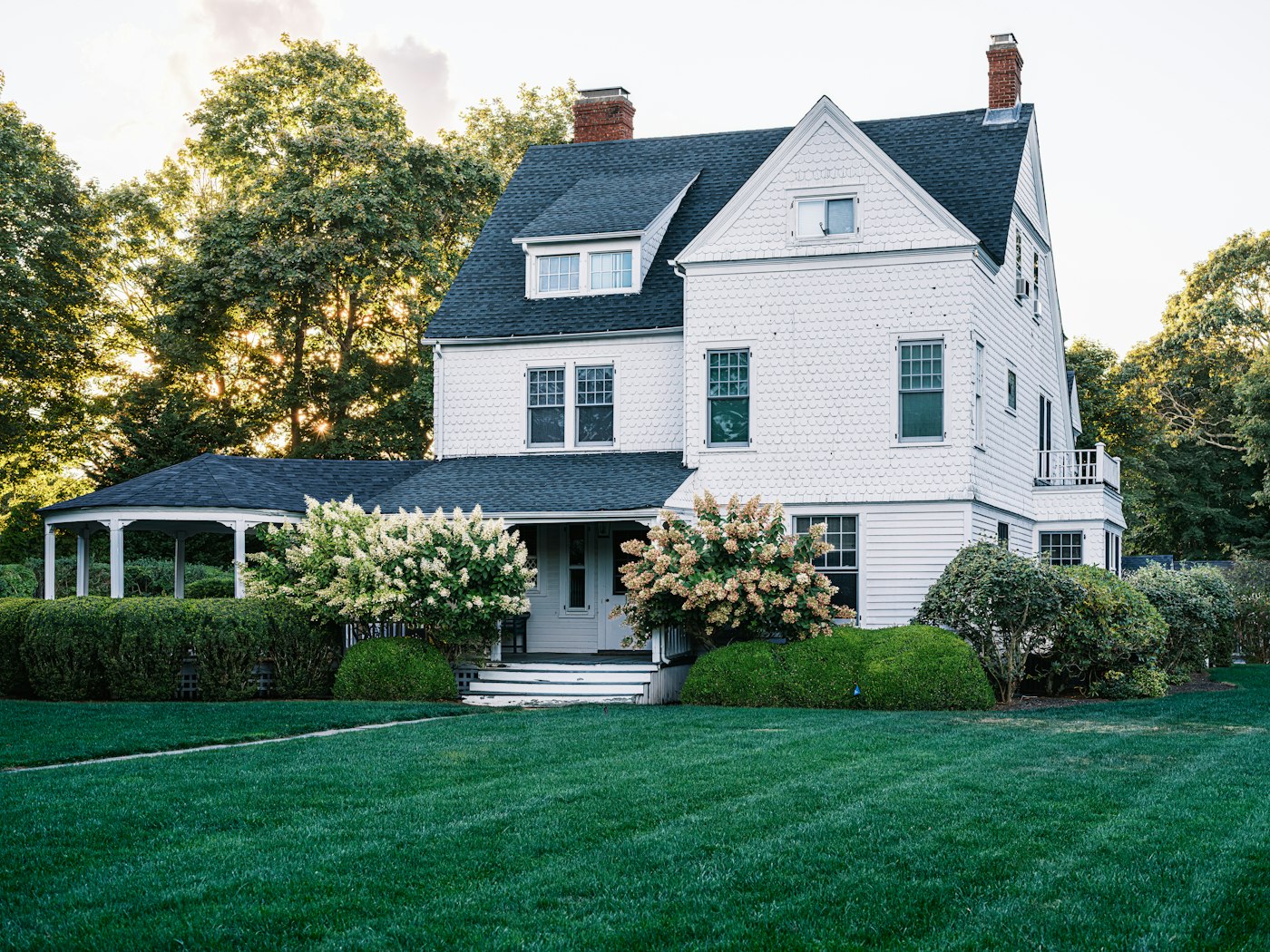
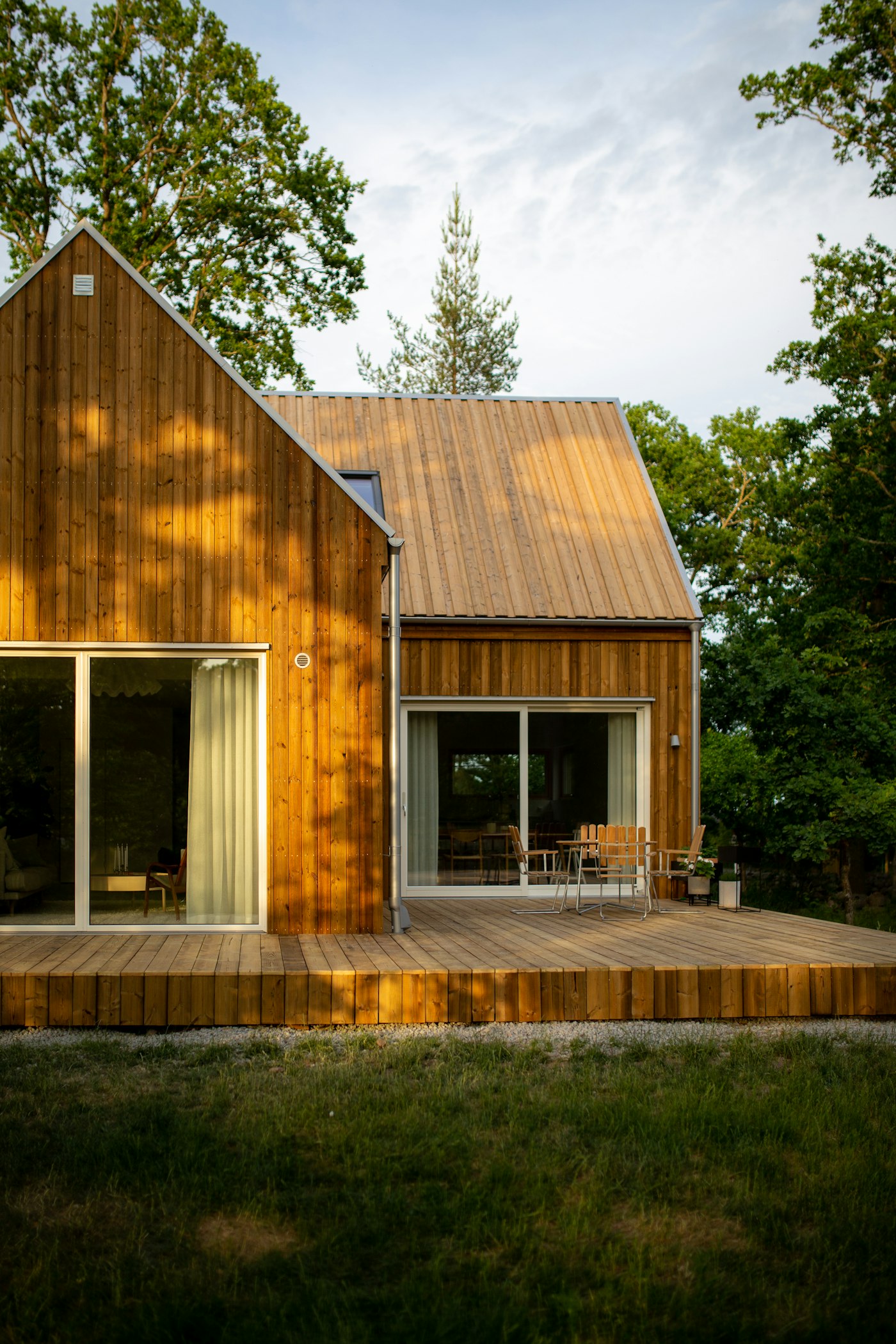
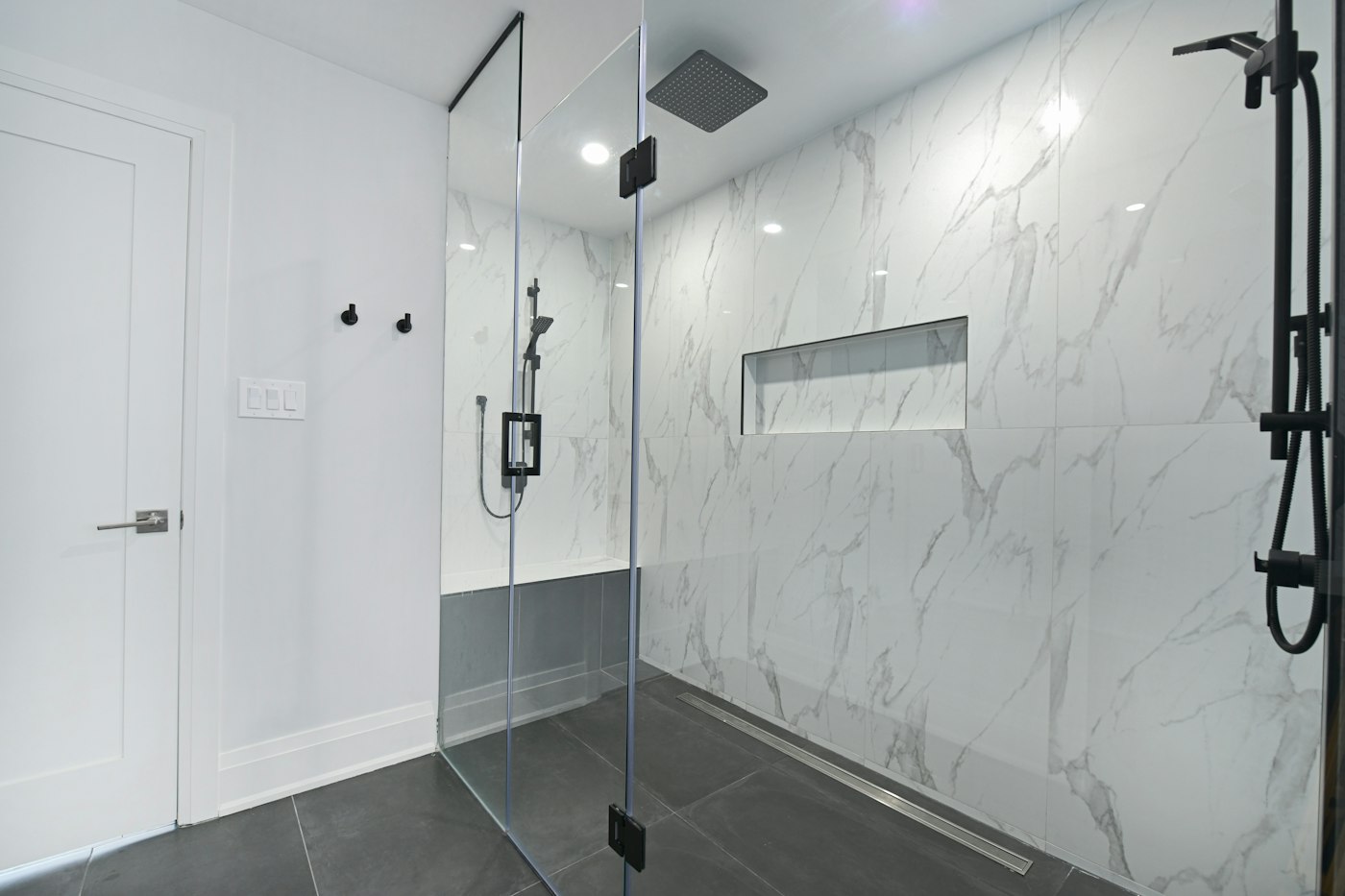
Maple St: Roof Replacement
214 Maple St · Team: Roofing Crew A · 12 photos



Workflow
From the job site to the client in four steps
Select a step to see it, or let it play through.
New job
Maple St: Roof Replacement
J-1042 · 0 photos · just now
Capabilities
Built for how project teams work
01
Job-based organization
Every project gets its own record: name, job number, address and notes. All photos for that job live in one place.
02
Folders
Group photos as Before, During and After, or any structure your process uses. Move a whole batch in two clicks.
03
Bulk upload
Upload up to 25 photos per batch with progress tracking. Thumbnails are generated automatically on upload.
04
Teams and roles
Assign teams to jobs. Members upload or view only. Deleting a job and managing access stay with the owner.
05
Client share links
Give clients a private gallery link. Set an expiry date, disable downloads, or revoke access at any time.
06
Per-account storage
Each account has its own storage allocation, visible at a glance, and can be increased on request.
Access control
Clear permissions for every role
Access is set per job through the team assigned to it. Clients never need an account.
| Role | View photos | Upload and organize | Delete photos | Manage job and sharing |
|---|---|---|---|---|
| Owner / Admin | All photos | |||
| Team uploader | Own photos | — | ||
| Team viewer | — | None | — | |
| Client (share link) | — | None | — |
Storage
Storage that fits the account
Every account has its own allocation. If you need more than a plan offers, request it from your account settings.
Starter
5 GB
Evaluate Frameflow on a few jobs.
Pro
Most used250 GB
A crew photographing jobs every day.
Studio
500 GB
Multiple crews and several years of history.
Custom
On request
Need more than 500 GB? Tell us how much and we will set your account up.
Request more storageStart documenting your jobs today.
Create an account and set up your first job in a few minutes.